

Signing in to TenoBet starts with an email address and one press of Continue. This page covers access, password resets, common sign-in errors and keeping your account secure; UK readers should note that the operator's terms don't accept UK residents.
How to Log In to TenoBet
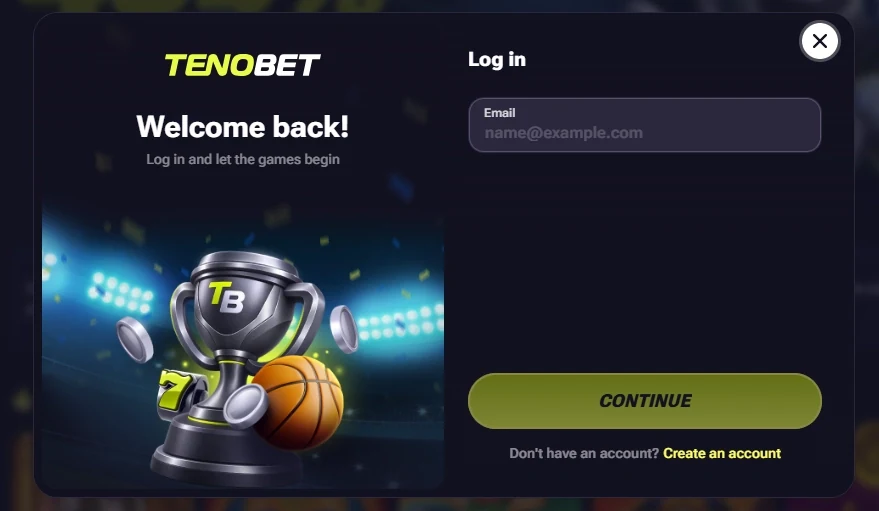
The login flow is kept short, with no username field on the first screen.
- Open TenoBet and select Log in at the top of the page.
- Type the email address linked to your account.
- Press Continue.
- Follow the on-screen prompt to finish signing in.
Once you're in, your balance, active bonus and the Rewards hub are reachable from the menu.
Logging In on Mobile
There's no app, so mobile sign-in happens in the browser on Android or iOS.
- Open your phone's browser and load TenoBet.
- Tap Log in.
- Enter your email and tap Continue.
- Finish the prompt; the lobby loads straight after.
Password Recovery
Lost passwords are reset from the sign-in screen itself.
- Open the login form.
- Choose Forgot password?.
- Enter your registered email address.
- Follow the instructions shown to set a new password.
If the reset doesn't go through, contact support on live chat or at support@tenobet.io.
Login Problems and Fixes
Most access issues trace back to a handful of causes.
| Problem | What to do |
|---|---|
| Wrong email entered | Use the address you registered with; changes to account details go through support. |
| Forgotten password | Use Forgot password? on the login form. |
| Page won't load or freezes | Reload, try another browser, then contact live chat about the technical issue. |
| Account suspended | Contact support; suspensions can follow multi-accounting, bonus abuse, chargebacks or false KYC details. |
| Cool-down active | You can still sign in and withdraw; deposits and betting resume once the period ends. |
| Self-excluded account | Access stays closed for the chosen period; reopening after indefinite exclusion can be refused. |
Keeping Your Account Secure
The FAQ describes encryption for personal and financial data. Account rules matter just as much:
- One account per person; duplicates breach the terms and can result in closure.
- Never share or sell your login; accounts can't be transferred.
- Pay only with methods held in your own name.
- Use your real legal name on the account.
- Report unauthorised transactions quickly: refund requests are accepted within 24 hours of the transaction.
Session and Spending Controls
Several tools sit in the account once you're logged in:
- Time session limits to cap how long you play
- Deposit limits from 24 hours to one week, which can be lowered but not raised during that period
- Betting and loss limits on the same basis
- A cool-down of 1 to 48 hours
- A full gambling history
Self-exclusion is handled by email at support@tenobet.io; live chat redirects these requests to email. Pending bets must be settled and balances withdrawn before the exclusion starts.
Changing Account Details
Details such as your email or phone number are updated through support rather than a self-service form. Formal notices under the terms are handled in written English.
Don't have an account yet? The registration page covers the two-step sign-up.
Login FAQ
What do I need for TenoBet login?
Your registered email address, then a press of Continue to move on to the next prompt.
Can I log in during a cool-down?
Yes. A cool-down of 1 to 48 hours blocks deposits and betting, but signing in and withdrawing still work.
Why can't I sign in after self-exclusion?
Access stays closed for the period you chose, with a minimum of 1 day. Reactivation after an indefinite exclusion can be refused.
Who helps with technical login issues?
Live chat is open 24/7, or you can email support@tenobet.io.